Best spaced repetition app for 2026: 8 top picks
Updated for 2026: pricing and product details were checked against the apps’ current official pages.
You forget 70% of what you learn within 24 hours.
This isn't a personal failing. It's how memory works. Hermann Ebbinghaus discovered this "forgetting curve" in 1885, and it still defines how information slips away unless you intervene.
Spaced repetition schedules reviews at increasing intervals that follow your brain's forgetting curve. Each timed review refreshes a memory trace, slowing decay and strengthening recall. This active retrieval separates fleeting familiarity from durable knowledge.
But not all spaced repetition apps serve the same purpose. Some excel at memorizing facts for exams. Others help you retain what you read. A few focus on keeping your own notes and ideas alive.
Choosing the wrong tool means wasting time on features you don't need or missing the ones you do.
The spaced repetition revolution: why your brain needs it in 2026
Spaced repetition schedules reviews at increasing intervals that follow the brain’s forgetting curve. Each timed review refreshes a memory trace, slowing decay and strengthening recall. Instead of passively re-reading, you actively retrieve information. This active retrieval separates fleeting familiarity from durable knowledge.
In practice, spaced repetition works like this:
- Algorithms, such as those in Anki, adjust intervals based on how easily you recalled an item.
- Marking an item as “hard” schedules it for review soon.
- Marking it “easy” delays the next review.
- The system focuses on active recall, reinforcing neural connections in areas like language vocabulary, medical terms, or notes from your personal knowledge base.
What makes a great spaced repetition app in 2026
Active recall vs. passive review
Spaced repetition tools use different methods to help you retain information.
Some tools use classic flashcards, such as Anki, Quizlet, and Memrise. These force you to actively recall answers and then schedule the next review based on how well you remembered the content. This approach works best for precise, repeatable tasks like medical facts, vocabulary, and formulas.
Other tools focus on capturing highlights and resurfacing them on a schedule. They provide gentle reminders instead of testing, which suits readers who want to retain insights without memorizing exact wording.
Each model aims for a different outcome: exact recall, long-term idea exposure, or continuous engagement with your own work. Choose the one that fits what you need to remember and apply.
AI-powered scheduling and personalization
Modern spaced repetition systems build on memory science concepts like intervals and forgetting curves. They add layers of personalization to improve effectiveness.
For example, FSRS, used in Anki, analyzes your recall history and uses probability models to predict when you will forget. It then adjusts the review intervals accordingly.
Tools like Recall automate card creation from your source material, while interview-focused tools like Anchrs use AI to turn practice sessions into targeted follow-up. They fill in translations, pronunciations, images, or practice prompts where useful, saving you time.
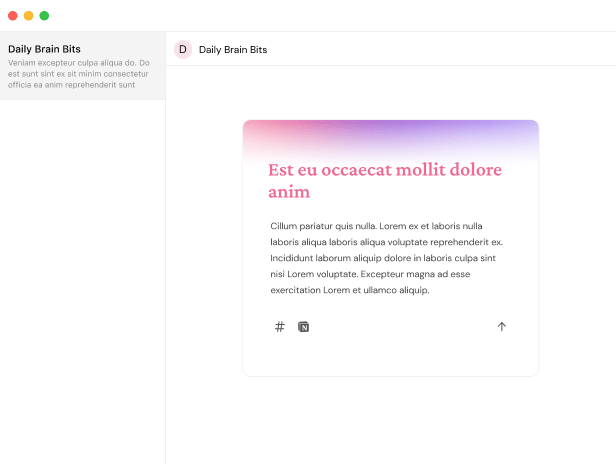
Systems focused on personal notes, such as Daily Brain Bits, use AI to generate dynamic quizzes and let you prioritize areas to revisit.
The key is adaptation: your review schedule should evolve with your performance, habits, and current priorities instead of staying fixed.
Cross-platform sync and offline capabilities
A useful spaced repetition app works wherever you do.
True cross-device sync ensures seamless sessions across desktop, mobile, and web platforms. AnkiWeb is a popular example of this.
Offline-first apps like Mochi and Screvi let you review even without Wi-Fi. This ensures constant access.
Lightweight web and mobile apps avoid installation friction and run across browsers and devices.
Integration with note platforms, such as Daily Brain Bits connecting to Notion and Obsidian, allows your spaced-review system to live alongside your knowledge base.
A practical criterion: choose a tool that follows you across devices and keeps your content accessible when needed.
Content creation friction: the make-or-break factor
The effort needed to create and maintain review items determines whether you keep using an SRS or abandon it.
Legacy tools often suffer because manual card creation and tagging take too much time. Many users start strong but stop quickly. Complex setup processes contribute to abandonment as well.
Newer tools reduce friction by automating content creation. Recall turns source materials into review items with minimal input, while Anchrs turns technical-interview practice into focused follow-up.
Read-capture services like Screvi send highlights straight into your review feed.
Personal-note systems such as Daily Brain Bits pull directly from your notes to surface quizzes or suggestions without requiring manual tagging.
When choosing an app, look for:
- Low effort to create review items
- Intelligent automation that respects your original context
- Fast, frictionless review flow that integrates smoothly into your workflow
These qualities separate tools people actually use from those that collect dust.
1. Daily Brain Bits: the knowledge worker's missing link
Why your personal notes deserve spaced repetition too
As your Notion or Obsidian archive grows, individual notes often get less attention. Important connections between ideas tend to fade.
Traditional spaced repetition systems focus on memorizing external facts like vocabulary or exam answers. They are not designed to maintain your own evolving thinking.
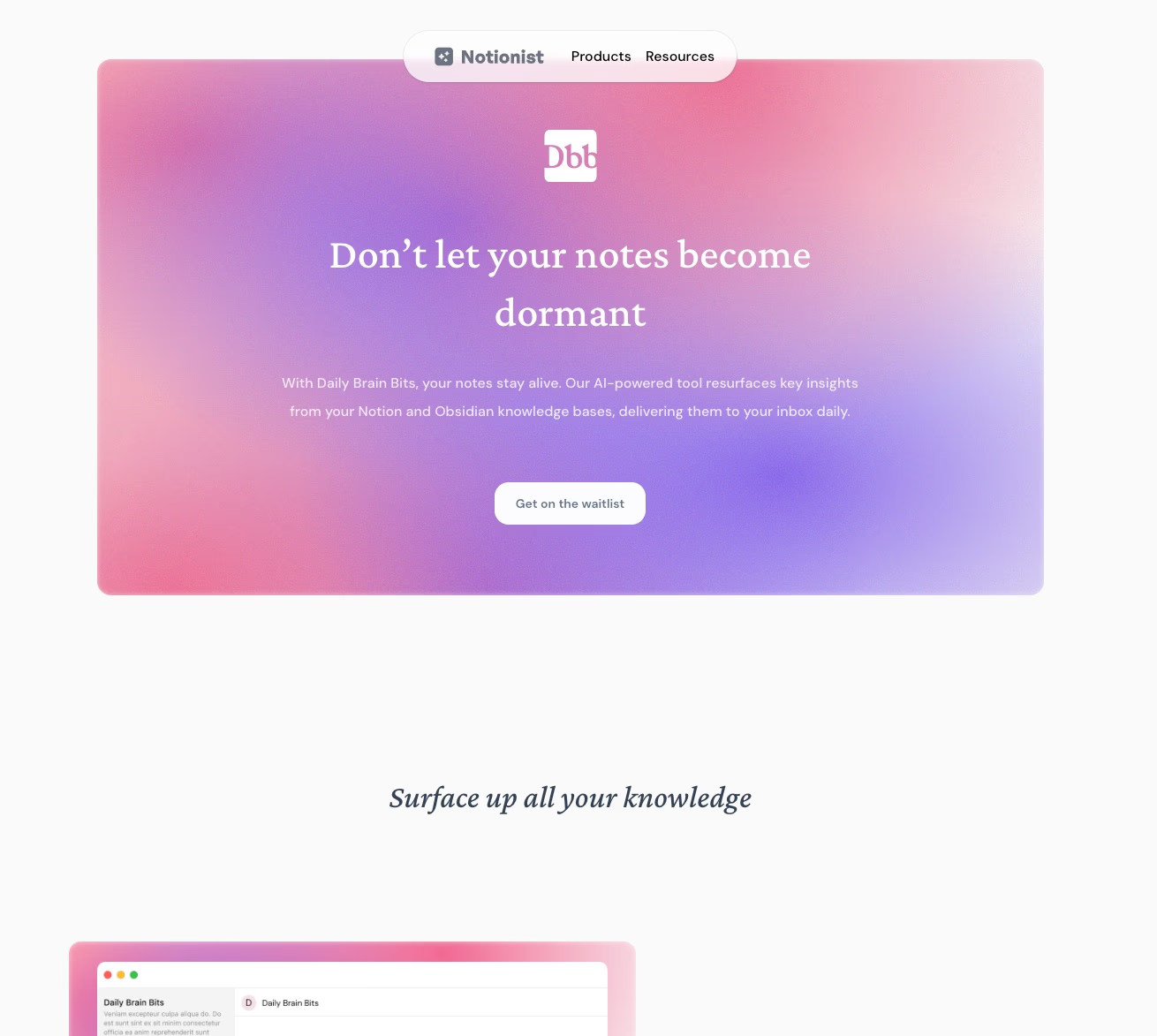
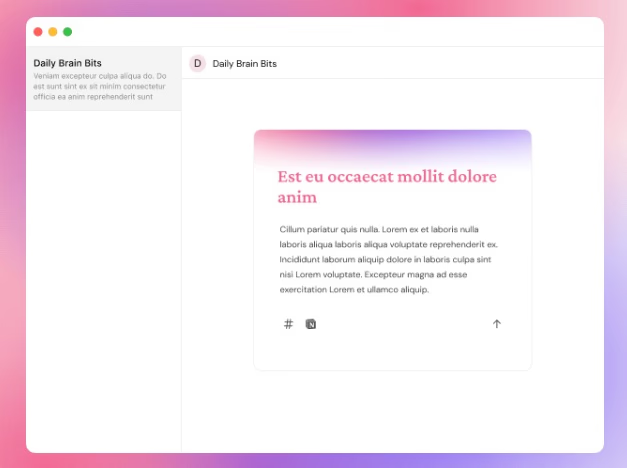
Daily Brain Bits (DBB) fills this gap by resurfacing the notes you wrote, not just highlights from others. This keeps your original research, syntheses, and brainstorms accessible and useful. The goal is not rote memorization, but maintaining context, relevance, and creative momentum.
How Daily Brain Bits solves the knowledge worker's paradox
Learning apps like Anki, Quizlet, and Memrise excel at structured recall. But they do not fit well with the messy, changing material knowledge workers produce.
Reading-capture tools like Readwise push external authors’ ideas back to you. This helps with exposure but does not revive your own thinking.
DBB combines these approaches. It:
- Automatically resurfaces whole notes in context, no flashcard creation needed.
- Helps you revisit and synthesize past work, turning your archive into a working toolkit.
- Keeps your notes actionable so old research can support current projects.
This approach reconnects you with your existing ideas and helps them evolve, rather than simply memorizing facts.
The 4 Rs framework: resurfacing, reconnecting, refreshing, remixing
DBB’s workflow focuses on four key actions:
- Resurfacing: Brings dormant notes back when they are most useful.
- Reconnecting: Encourages links between different ideas to spark new insights.
- Refreshing: Helps you to update or correct outdated information.
- Remixing: Uses resurfaced material as input for new projects, outlines, or frameworks.
Unlike isolated flashcards, DBB preserves context so a paragraph from a year-old note can inspire solutions for today’s problems.
Notion and Obsidian integration: making your second brain come alive
DBB connects to the two main places people store long-form thinking: Notion and Obsidian. It works with any tool stack, avoiding ecosystem lock-in.
Whole notes become eligible for resurfacing automatically—no manual tagging or card formatting needed.
This turns your second brain into an active resource instead of a passive archive.
Email delivery and LLM-powered quizzes
Daily Brain Bits sends resurfaced notes directly to your inbox at a schedule you set. This removes the need to open another app.
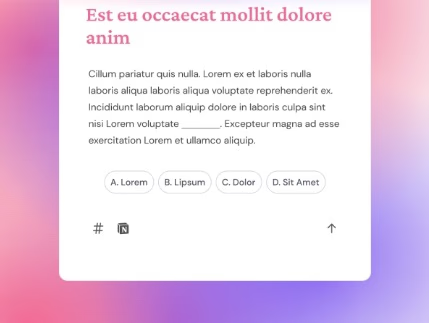
On top of that, DBB uses large language models to generate short quizzes from your notes. These can be multiple choice or cloze-style prompts that hide key concepts and encourage recall.
You can prioritize or deprioritize items, making resurfacing targeted instead of random.
The result is that you don’t just re-read your notes—you test, challenge, and refine them.
Pricing and who it's for
DBB offers a free plan and a $10/month Pro plan with AI-generated quizzes, unlimited sources, and more customization options.
It suits people who rely heavily on their own notes:
- Researchers managing multiple hypotheses
- Product managers tracking lessons from past launches
- Writers reusing brainstorms and drafts
- Consultants recalling proprietary frameworks quickly
No complex setup or manual flashcard creation, just a steady pulse that keeps your second brain active and useful.
Struggling to recall your important notes?
Check Daily Brain Bits, it helps you remember your notes with daily emails
2. Anki: the power user's memorization engine
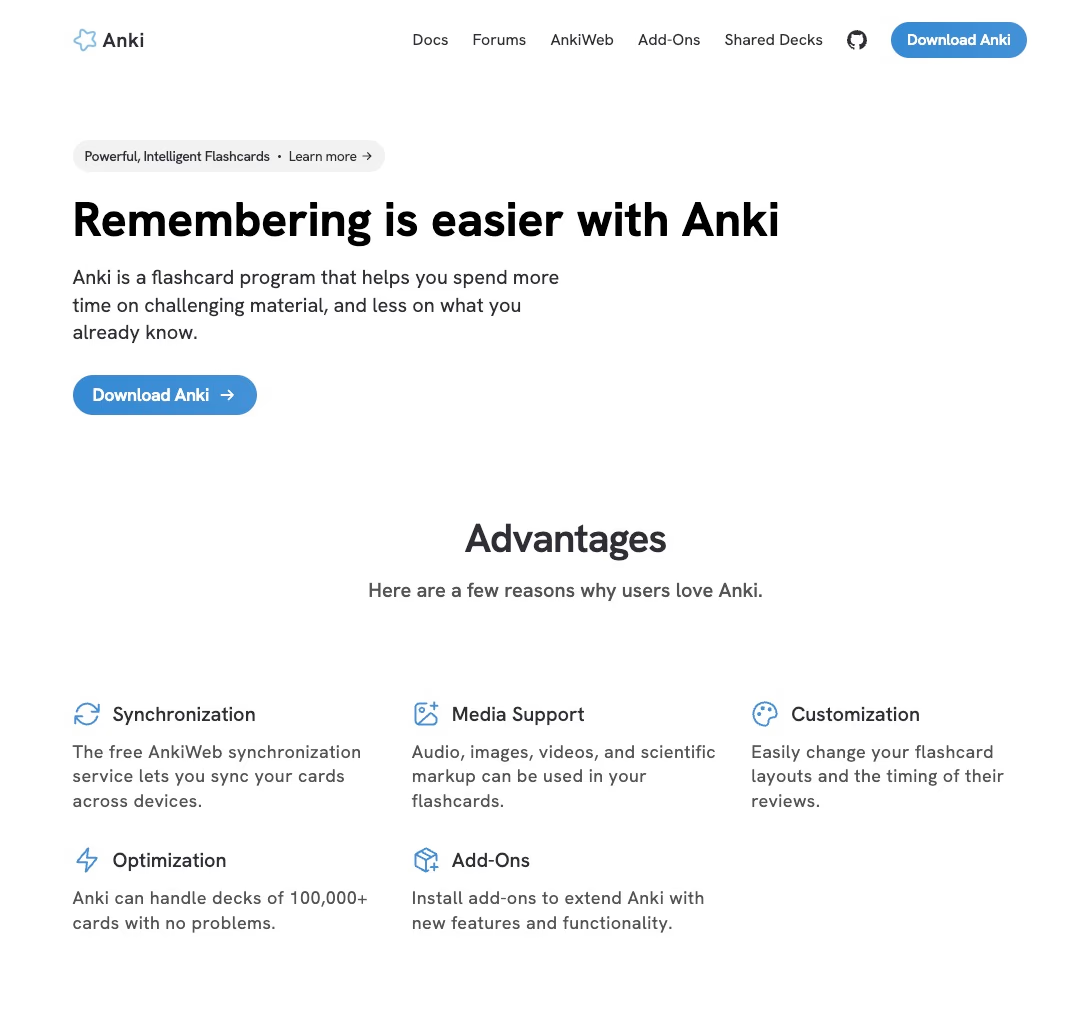
Feature overview and FSRS algorithm
Anki adapts to your learning needs. This open-source flashcard platform supports FSRS (Free Spaced Repetition Scheduler), an algorithm that analyzes your card history. It predicts when you might forget information and adjusts review intervals for each card accordingly.
Instead of fixed schedules, FSRS personalizes review timing using memory models and machine-learning improvements.
You can:
- Create custom decks for any subject, including audio, images, video, or LaTeX.
- Use active-recall reviews with scheduling tailored to your performance on each card.
- Handle large databases smoothly—many users manage tens of thousands of cards without slowdowns.
- Sync across devices via free AnkiWeb synchronization. The official iOS app is paid, while AnkiDroid is free.
Anki’s key strength lies in its flexibility and personalized scheduling driven by advanced algorithms.
Pros: customization, shared decks, and long-term retention
Advanced users prefer Anki because it offers:
- Extensive customization options for card templates, layouts, and review settings.
- Access to shared decks, like the AnKing deck with over 35,000 cards, suitable for medicine, languages, and certifications.
- A rating system for memory strength on a four-point scale, boosting retention through active recall.
- Proven results: many users achieve higher exam scores and rely on Anki for consistent, durable knowledge.
These features support strong, long-term retention and help users tailor learning to their needs.
Cons: steep learning curve and manual card creation
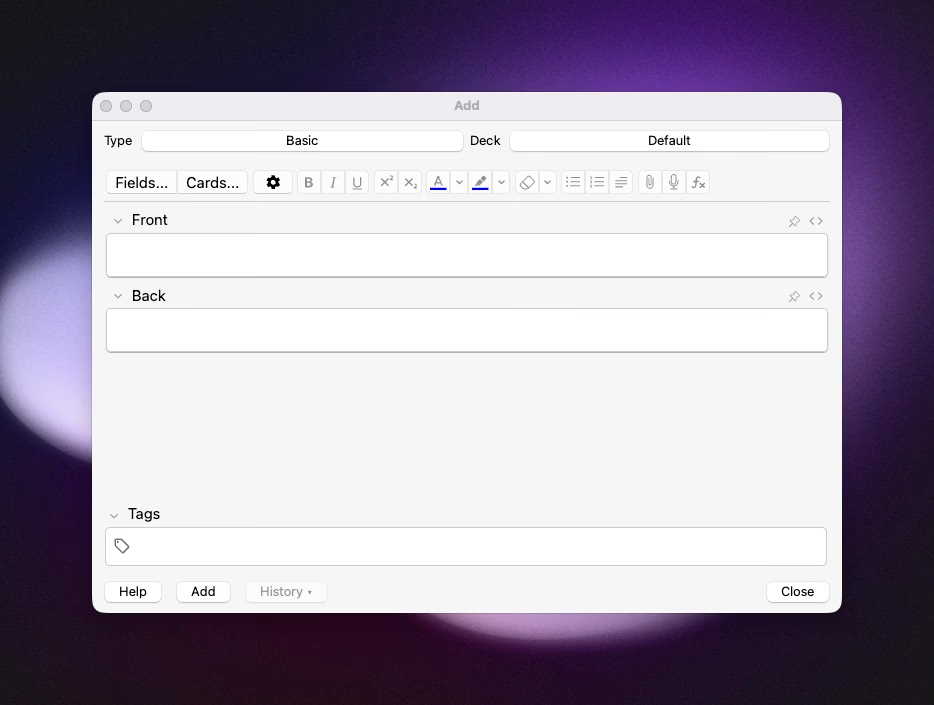
Some challenges include:
- The interface and setup can overwhelm beginners, who may struggle with deck configuration and understanding scheduling.
- Creating cards manually consumes time, and falling behind can lead to a backlog of overdue reviews.
- Syncing generally works but can be unreliable for some users, disrupting daily study habits.
Users must accept a balancing act between customization and usability, investing time upfront to benefit long-term.
Best for: medical students, language learners, and exam prep
Anki suits learners who see memorization as intentional practice. It is widely used daily by medical students and professional exam candidates. Language learners benefit from systematic vocabulary practice and community-created decks.
If you want a tool focused on rigorous, long-term retention and don’t mind investing time in setup, Anki delivers strong results. Users who prefer quick onboarding or a more playful interface might find other apps easier to adopt.
User feedback praises Anki’s scientific approach and openness while noting its usability challenges for newcomers.
3. Readwise: the reading retention pioneer
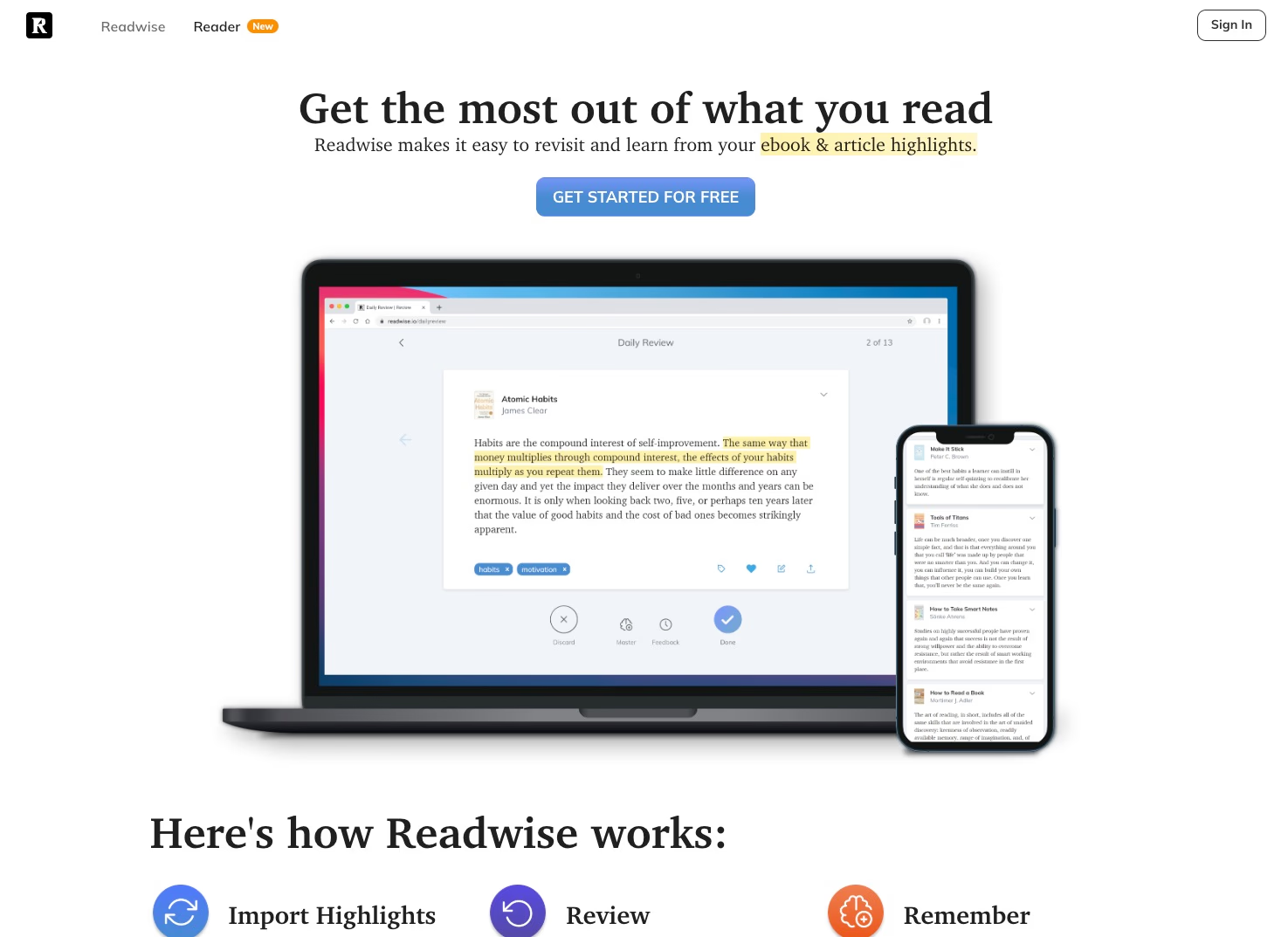
Feature overview and highlight aggregation system
Readwise consolidates highlights from over 32 reading platforms into a single hub. It automatically imports annotations from Kindle, Instapaper, Pocket, iBooks, and dozens of other apps.
The platform then uses spaced repetition algorithms to resurface your best highlights through daily review emails and mobile notifications.
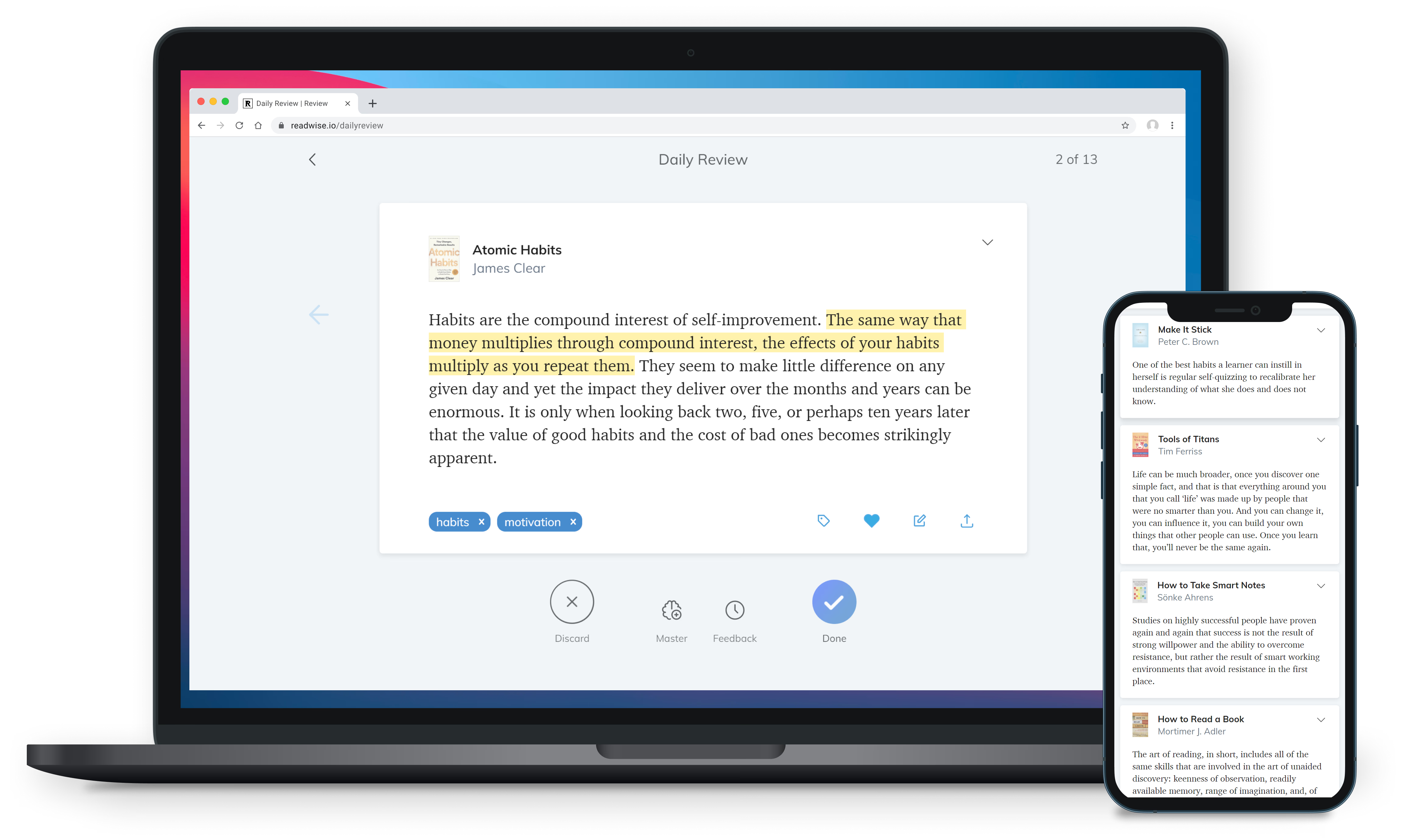
Instead of creating flashcards manually, Readwise automatically queues what you've already marked as important and schedules reminders at optimal intervals.
An OCR scanner bridges analog and digital reading by letting you scan physical book pages and integrate those highlights into your review stream. Export capabilities push highlights to Evernote, Notion, and other note-taking systems, keeping your knowledge management workflow intact.
Pros: centralized repository, proven retention science, exceptional support
Readwise addresses several pain points for avid readers:
- Centralized knowledge hub: No more hunting through multiple apps or devices to find a quote or insight.
- Scientific approach: Spaced repetition fights the forgetting curve, helping you actually remember what you read weeks and months later.
- Low friction: Daily emails deliver highlights without requiring you to open another app or log in.
- Workflow integration: Exports to Notion and Evernote let highlights flow into your existing systems.
- Outstanding support: Users consistently praise the responsive customer service and value-added marketing that teaches new ways to use the platform.
These strengths make Readwise a proven system for turning passive consumption into lasting retention.
Cons: focused on consumed content, pricing concerns
Some limitations to consider:
- Readwise surfaces other people's ideas, not your own notes or drafts. If your priority is keeping personal research active, tools like Daily Brain Bits better suit that need.
- Pricing feels steep for some users. Readwise currently costs $9.99/month billed annually or $12.99/month billed monthly, which adds up compared to free or one-time-purchase alternatives.
These trade-offs matter most if you're budget-conscious or need a tool that maintains your original thinking alongside consumed content.
Best for: avid readers consuming content across multiple platforms
Readwise suits knowledge workers, researchers, students, and lifelong learners who:
- Read extensively across Kindle, web articles, newsletters, and physical books
- Want to remember key insights long-term without manual flashcard creation
- Use note-taking systems like Notion or Evernote and need seamless highlight exports
- Value exceptional customer support and educational resources
The platform earns its reputation among readers who consume more than they can retain. If your reading habits span multiple formats and you struggle to recall what mattered most, Readwise turns highlights into an active knowledge base. For users focused on evolving their own notes rather than reviewing others' ideas, consider pairing Readwise with a personal knowledge reinforcement tool for complete coverage.
4. Recall: AI-powered flashcard automation
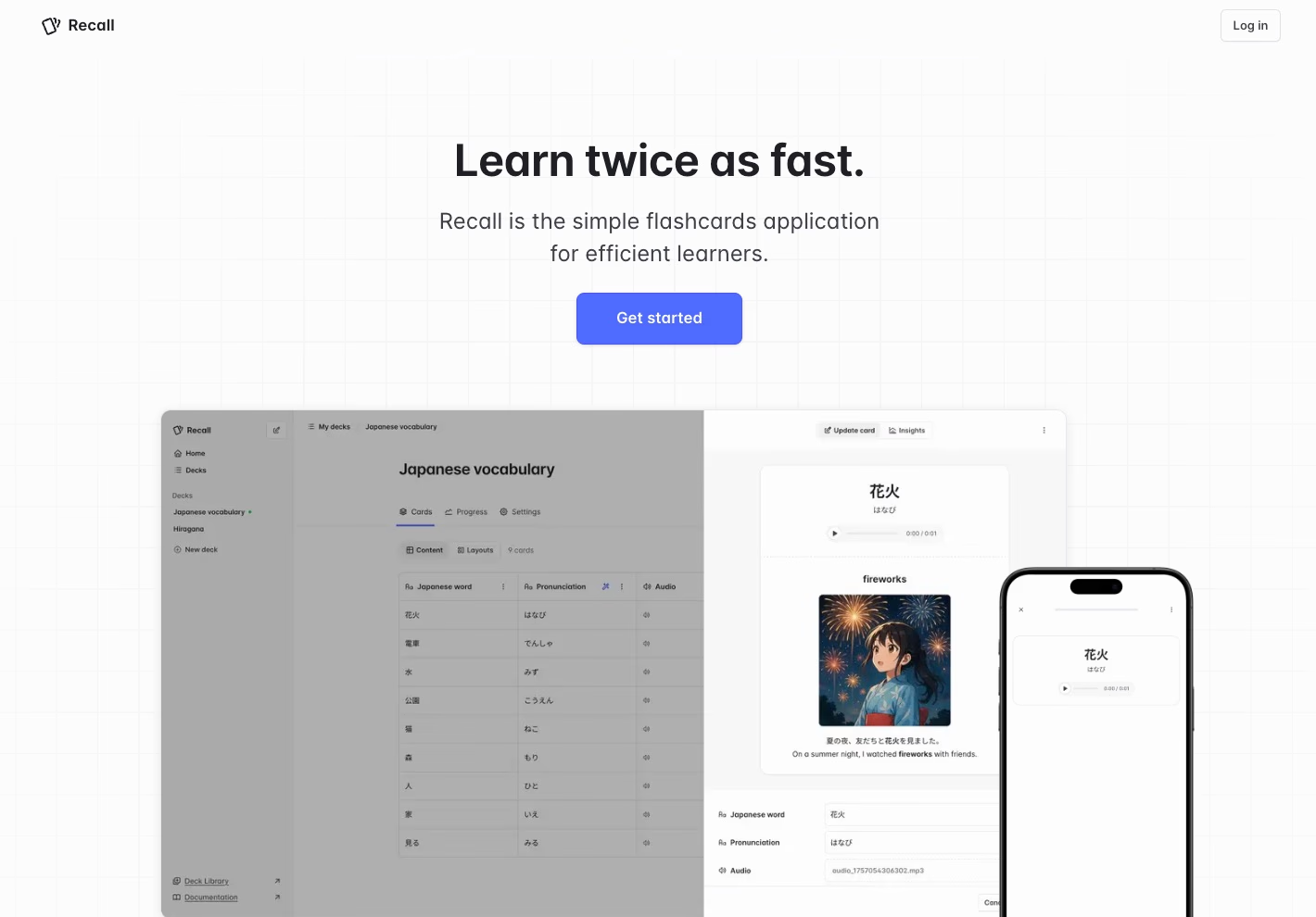
Feature overview and AI autofill capabilities
Recall.cards speeds up flashcard creation by using AI to generate answers, translations, audio pronunciations, and relevant images from a single prompt.
You can create cards manually or let the autofill fill in fields automatically. This feature is especially useful for complex language tasks like kanji, where translations and pronunciation guides are important.
The app combines this automation with a spaced-repetition scheduler that keeps review time efficient. It shows you only the cards you need to study, not the ones you already know, so sessions stay focused and productive. This ensures your study time is lean and effective without unnecessary repetition.
Pros: Fast card creation and multilingual support
Recall.cards offers several advantages:
- The AI autofill quickly produces multimedia-rich cards, including translations, audio, and images.
- Strong language tools handle kanji and pronunciation, reducing manual work when studying vocabulary.
- Low setup effort increases the chance you maintain a daily review habit.
- It saves time for exam preparation, technical terms, and long-term language learning.
These features make Recall.cards a practical choice for learners who want quick, rich flashcards without extra hassle.
Cons: Limited information on advanced features
Some downsides to consider:
- Users needing detailed control over scheduling, card formatting, or syncing across apps may find the platform lacks depth.
The platform may feel basic for users who want fine-tuned control or complex features.
Best for: Language learners who value speed
Recall.cards fits learners who want high-quality, multimedia flashcards with minimal effort. It suits language students, including those studying Japanese, and exam prep users focused on saving time. If you prioritize speed and automation over deep customization, Recall is a solid supplement rather than a full-featured, detailed spaced repetition system.
5. Anchrs: Technical interview preparation
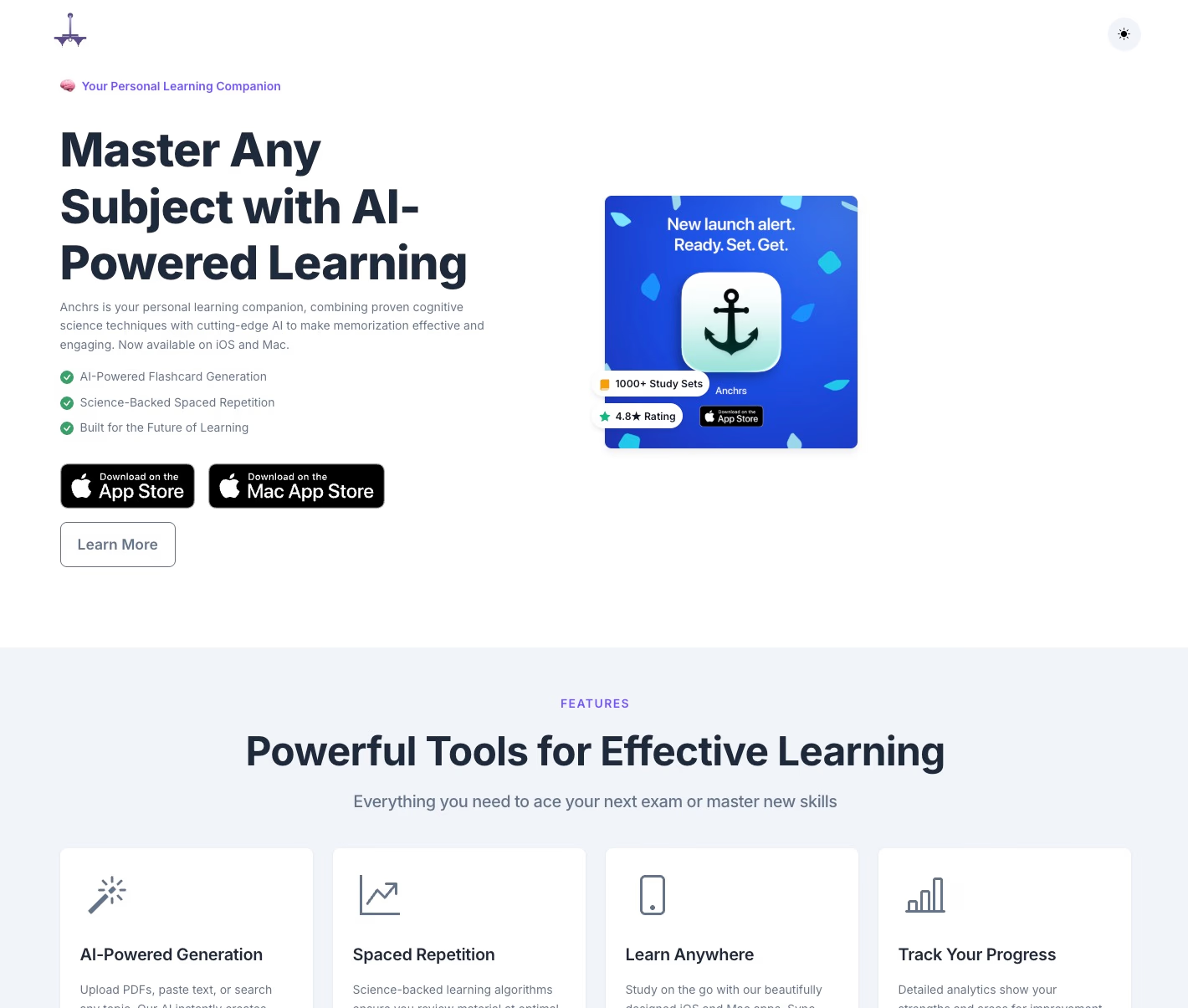
Feature overview and interview practice loop
Anchrs has shifted toward software-engineering interview preparation. It combines AI DSA and system-design mock interviews with structured debriefs, targeted flashcards, and follow-up practice.
The app is less of a general-purpose student flashcard system now. Its strongest use case is turning interview reps into a tighter practice loop, so you can review the concepts and weak spots that came up in mock sessions.
Cloud AI features use credits, and the Pro plan is listed at $4.99/month. Study data syncs across Apple devices through iCloud.
Anchrs is free to download on iPhone, iPad, and Mac.
Pros: Focused interview feedback
The app offers a focused interface for practice, feedback, and follow-up. This is useful if you want to reduce the gap between "I did a mock interview" and "I know exactly what to review next."
It also has fast onboarding for software engineers because the workflow is built around common interview formats rather than a blank flashcard deck.
You can use it to combine interview simulation, debriefs, and targeted memorization in one place.
The app design makes it especially relevant for developers preparing for DSA or system-design interviews.
Cons: Narrower than general flashcard tools
Anchrs is no longer the best fit if you want a broad, subject-agnostic spaced repetition app. Medical students, language learners, and general exam-prep users will usually get more from Anki, Mochi, Recall, or Quizrise.
Its value depends on whether technical interviews are your actual goal. If not, the interview-specific workflow can feel too narrow.
Power users may also miss the fine-grained scheduling, tagging, and formatting control available in Anki-style tools.
Best for: Software engineers preparing for interviews
Anchrs suits software engineers who want structured technical-interview practice with AI feedback and targeted follow-up.
If you are preparing for DSA or system-design interviews and want practice plus review in one workflow, Anchrs is relevant. If you mainly need a general spaced repetition app, start elsewhere.
Struggling to recall your important notes?
Check Daily Brain Bits, it helps you remember your notes with daily emails
6. Mochi: the elegant Anki alternative
Feature overview and markdown-powered creation
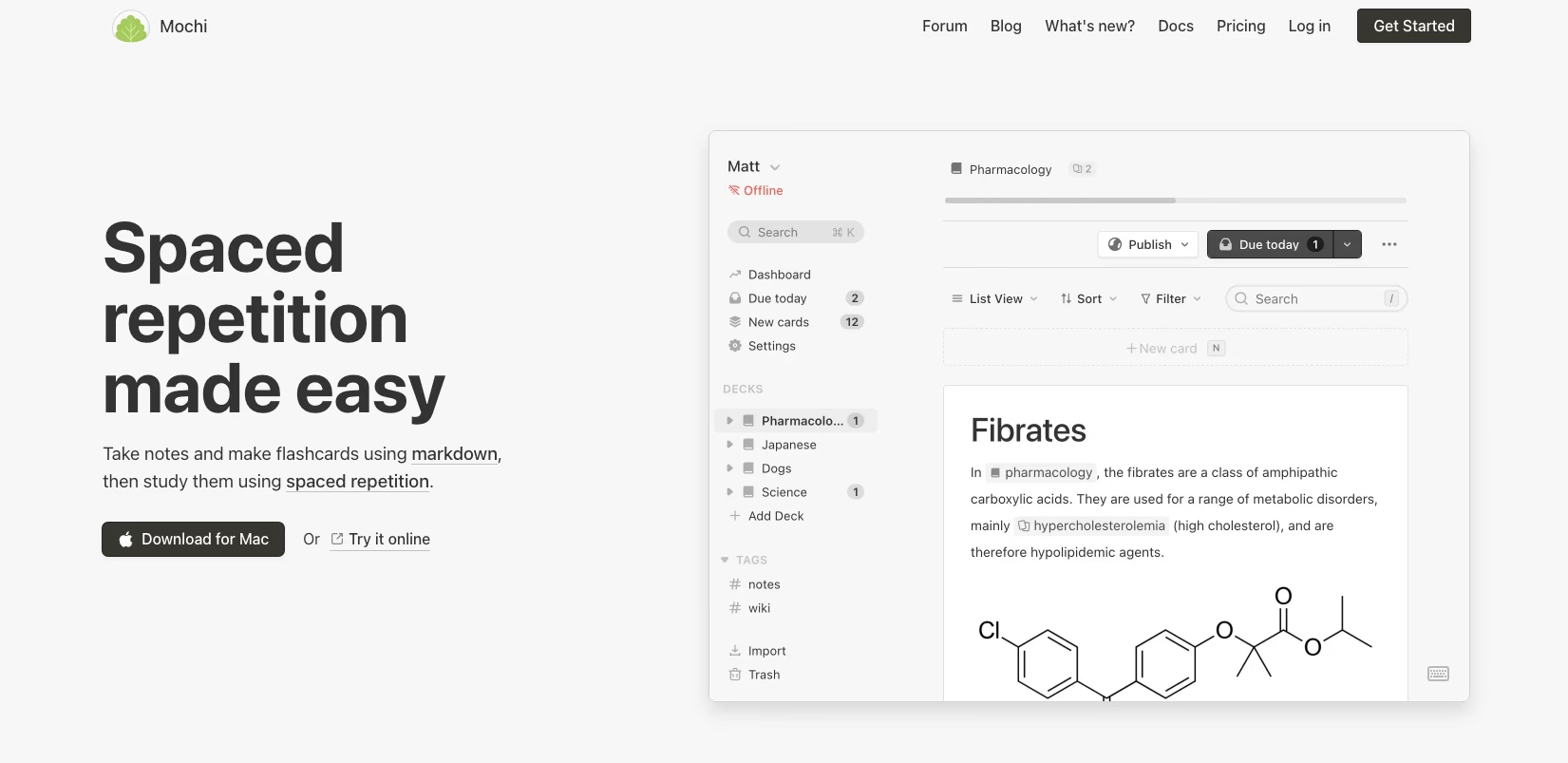
Mochi targets modern note-takers by letting you create flashcards with markdown. You can use headers, code blocks, and formatting directly during your writing process instead of clunky web forms.
Its spaced repetition follows a doubling and halving interval rule. Intervals double after successful recall and halve after a miss. You can configure this per deck for straightforward control without complex scheduling math.
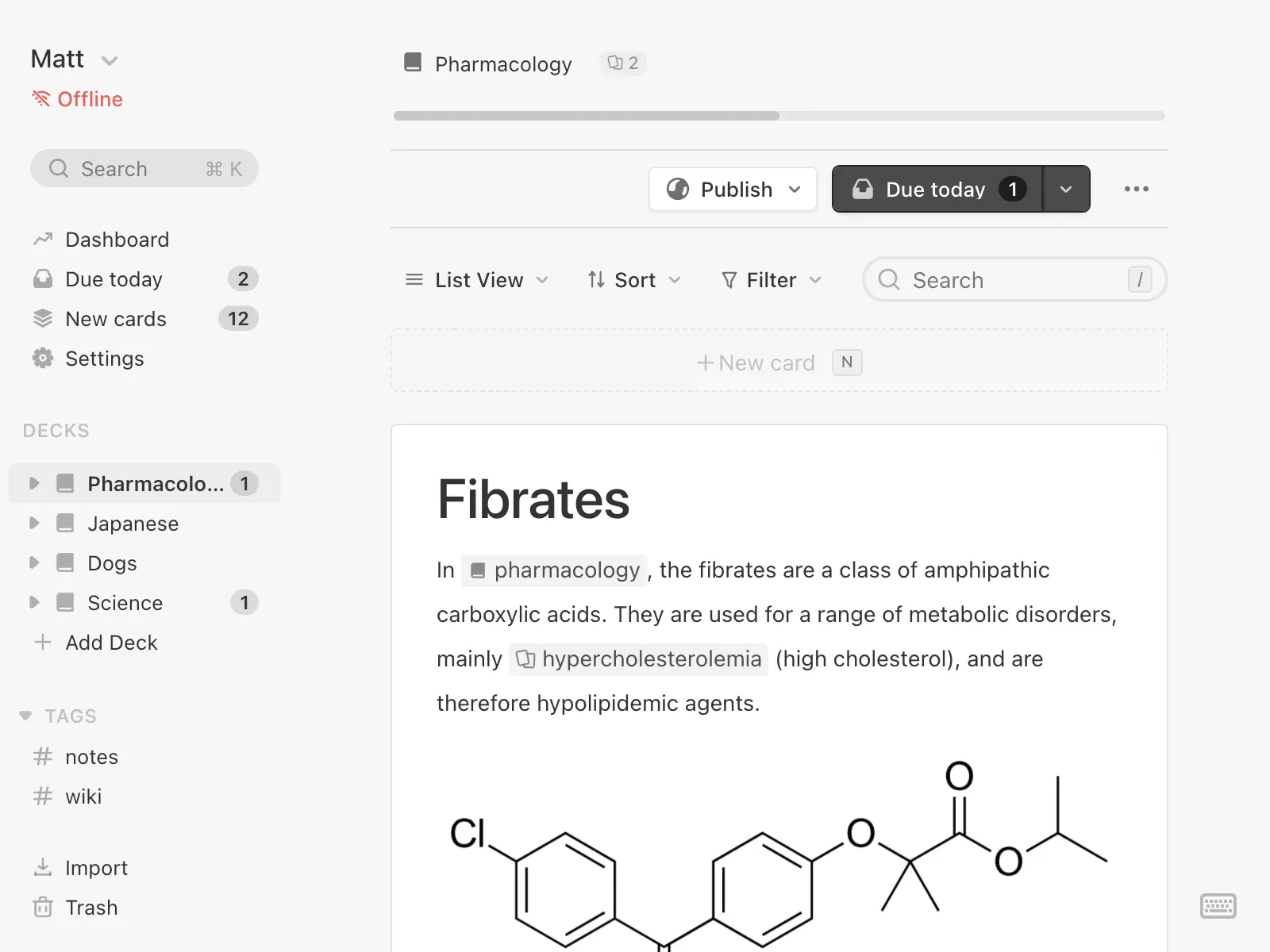
Cards link bi-directionally, turning notes into a navigable knowledge graph. You can include rich media—drag-and-drop images, audio, and video—directly inside cards. Image occlusion masks parts of diagrams for targeted testing. A built-in canvas supports quick sketches, which is useful for visual subjects.
Mochi also offers language features like automatic translations and text-to-speech via Google WaveNet. It supports importing decks from Anki, tag filtering, reverse review, and provides a REST API for programmatic workflows.
This combination of markdown creation, bi-directional linking, and multimedia support makes Mochi a versatile note-taking and flashcard app.
Pros: bi-directional linking, image occlusion, and clean UI
- Markdown-first creation keeps cards aligned with your natural writing style.
- Bi-directional links help you map relationships between concepts instead of treating facts as isolated items.
- Image occlusion and a drawing canvas suit visual-heavy subjects like anatomy or engineering.
- Language tools and media embedding simplify multimedia study.
- Importing Anki decks and an API support technical workflows and data migration.
Mochi’s strengths lie in its clean interface and features that enable rich, interconnected learning material.
Cons: restrictive free tier and sync costs
- The free plan supports unlimited offline usage. Sync across devices requires a $5/month Pro subscription.
- Some UI behaviors, like image previews and attachment management, have a learning curve.
- Interval adjustments for intensive study are less detailed than some advanced users expect.
These limitations may affect users who want full sync functionality without a paid subscription or need more granular control over intervals.
Best for: knowledge workers who want Anki power without complexity
Mochi suits learners who prefer a networked knowledge base over isolated flashcards. It appeals to markdown fans, visual learners, multilingual students, and privacy-minded users.
It offers a good middle ground if Anki feels overwhelming but you still want robust linking, media support, and export/import flexibility. If you need large-team collaboration or the most affordable sync options, Mochi’s model might require some trade-offs.
This app fits those seeking powerful features with easier usability and multimedia support.
7. Screvi: reading highlights meet spaced repetition
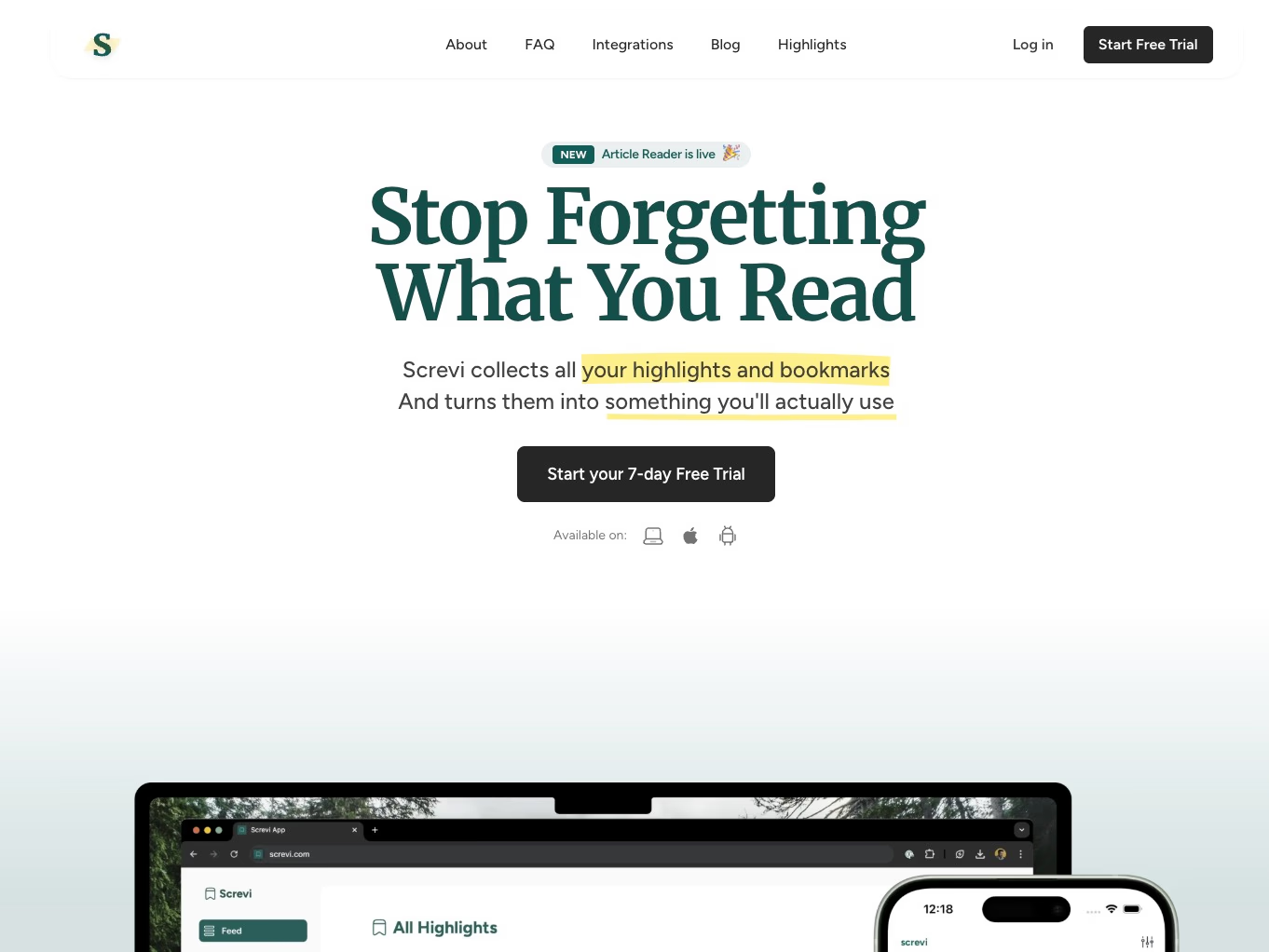
Feature overview and feed-based interface
Screvi gathers highlights from Kindle, Kobo, Readwise, scanned physical books (AI-OCR), Twitter/X, YouTube transcripts, and web articles. It displays them in a feed you can scroll through, like a curated inbox of your reading. Instead of managing folders or tags, semantic AI groups related snippets. This lets you search by theme—such as "dopamine" or "decision fatigue"—even if you don’t recall the exact words.
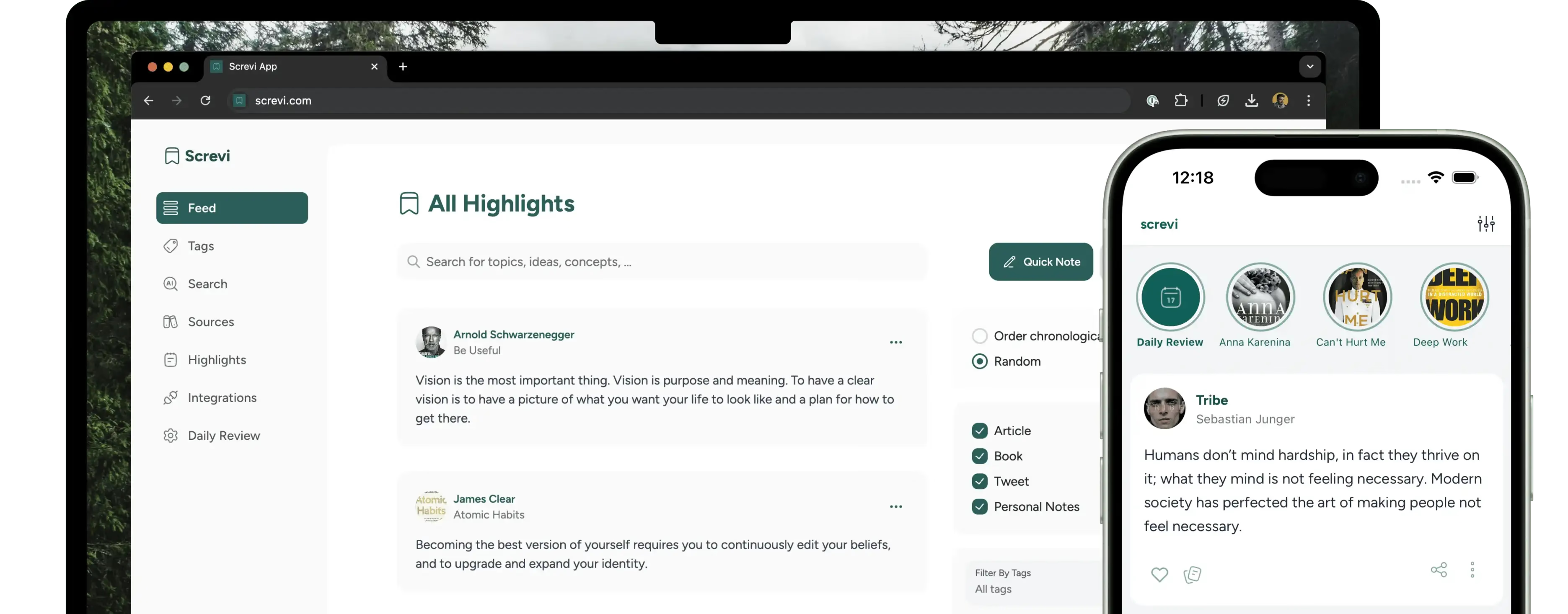
Capture options include a Chrome extension, direct imports, and OCR scanning, making it easy to digitize marginalia and clip web content. A spaced-repetition system, based on Anki intervals, resurfaces highlights through daily emails to help move ideas into long-term memory. Screvi also offers an offline article reader for focused reading without distractions.
Pros: multi-source integration and OCR scanning
Screvi centralizes highlights from books, articles, tweets, videos, and notes. It uses AI-OCR to convert physical book highlights into searchable text. Its semantic search finds themes and quotes without extensive tagging. Export options include Markdown for Obsidian, HTML for sharing, and PDF for archiving.
These features transform scattered reading into a searchable, reviewable stream of information you can easily use.
Cons: focused on consumed content, not created notes
Screvi stores and resurfaces what you read but does not host original note-taking or deep personal synthesis. If your workflow depends on connecting and developing your own notes in Notion or Obsidian, Screvi complements this work but will not replace it. You should use it alongside a personal knowledge manager for complete creative workflows.
Best for readers who want to retain highlights from multiple sources
Screvi suits avid readers, researchers, students, and podcast or video consumers who want a simple way to keep useful quotes and ideas accessible. Pricing options include:
- 4.99€ monthly
- 49.99€ annually
- 199€ lifetime plan
These plans unlock AI features, audio transcriptions, and mobile access. If you struggle to remember and find what you’ve read across formats, Screvi turns passive reading into an active library. For original note workflows, plan to integrate it with your preferred personal knowledge management tool.
8. Quizrise: AI-generated study materials
Feature overview and automated quiz creation
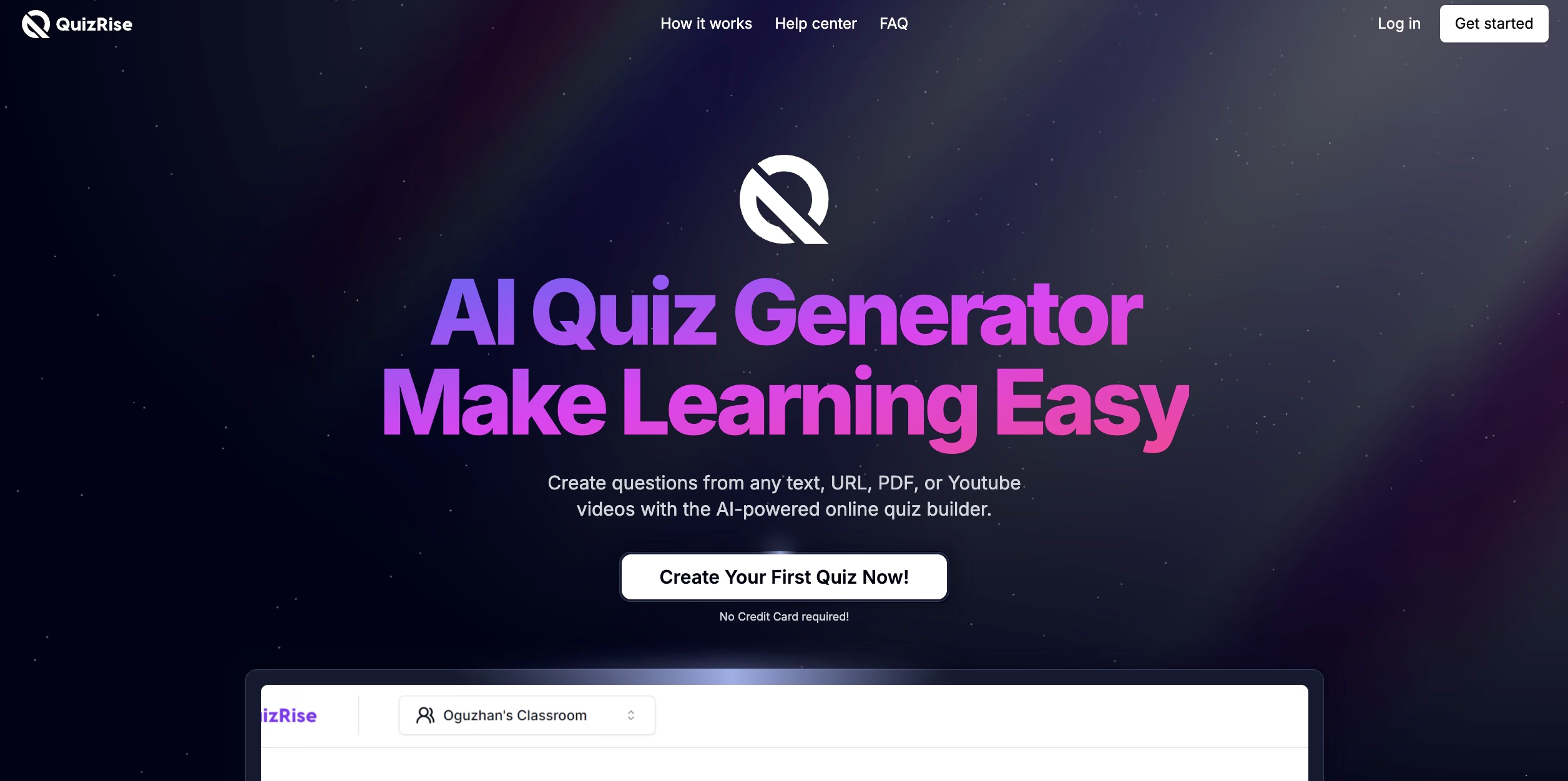
Quizrise speeds up content creation by letting you paste text or upload a chapter. The AI then generates tailored quizzes with questions, answer options, and explanations in moments. It identifies main ideas and turns them into practice questions. This helps you practice active recall without manually making cards. As a result, setup is fast and keeps your focus on studying rather than formatting.
Pros: Low-friction content generation
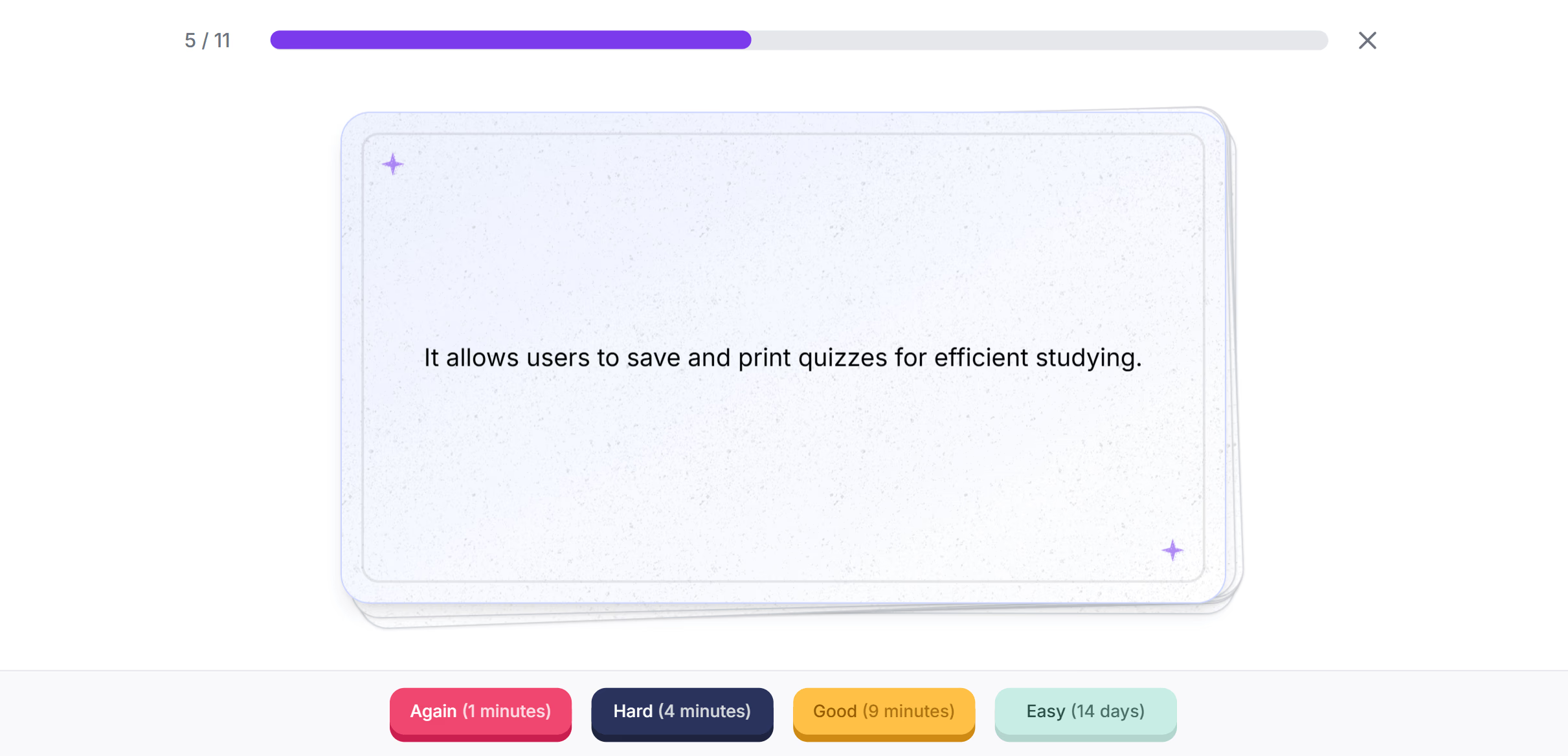
Quizrise offers several benefits:
- You can start quickly without writing Q&A or building decks.
- It converts notes and readings into targeted quizzes immediately.
- It emphasizes active recall, which improves learning more than manual prep.
- It works well when you have limited time and need practice material fast.
These features cut down preparation time and increase study efficiency.
Cons: Limited customization and niche positioning
There are some drawbacks to consider:
- You get less control over wording, multi-step cards, or custom card designs.
- Its effectiveness depends on how clear and detailed your source material is. Subtle points might be missed.
- It’s not meant to serve as a long-term personal knowledge manager; it focuses on quick study resources.
This limits its use for users needing deeper customization or extensive knowledge management.
Best for: Students who want instant study materials
Quizrise suits students who face heavy reading loads, last-minute exam prep, or those who avoid spaced repetition systems because creating cards takes too long.
It delivers ready-made quizzes so you can start practicing right away. For users needing detailed control or a “second brain” system, it works best combined with a more customizable tool.
The three categories of spaced repetition: which one do you need?
Category 1: Learning-focused apps for memorizing facts
These apps drill concrete facts until they stick. You create or download decks of bite-sized Q&A cards and practice active recall. Each card becomes a deliberate learning unit.
This workflow suits vocabulary, anatomy, formulas, and certification prep—situations where precise recall matters.
Trade-offs include:
- High effectiveness for fixed facts, but high setup cost due to deck-building and maintenance.
- Designed for “student mode,” requiring intentional effort and repeated practice.
- Not suitable if you want to evolve personal ideas rather than memorize external material.
Use these apps when you need mastery of external knowledge and accept the effort that comes with deliberate practice.
Many of the newer tools lean on AI to auto-generate cards, summarize highlights, or surface connections, removing a lot of the friction that kept people from starting. But automation isn’t a silver bullet: AI can blur context, produce imperfect prompts, and still leaves you responsible for curation. So, the old limitations (context loss, single‑app lock‑in, and the need for deliberate synthesis) remain.
Category 2: Reading retention apps for consumed content
These tools automate review of what you consume. Highlights from Kindle, articles, newsletters, and web clippings return to you on a schedule. They reduce effort by removing the need to create cards manually.
They work well for preserving quotes, frameworks, and insights from other authors. These apps offer:
- Low friction, as highlights resurface automatically.
- Support for professional development, research, and retaining reading takeaways.
Limitations include:
- Focus on other people’s content, not your notes or drafts.
- Not suitable if you want to iterate on personal ideas or maintain your own thinking.
Category 3: Personal knowledge reinforcement for your own notes
This category targets the notes you write yourself. As archives grow, valuable ideas fade. These systems resurface whole notes with context intact, so your past thinking feeds current work.
Instead of breaking ideas into flashcards, they emphasize maintenance, connection, and synthesis. They:
- Keep your personal research, drafts, and project ideas accessible.
- Encourage revisiting, updating, and remixing notes instead of rote memorization.
- Suit anyone building a “second brain” who wants past work to stay actionable.
This category is ideal for researchers, writers, consultants, product managers, and knowledge workers focusing on connecting and applying their insights.
Feature comparison: 8 top apps in each category
The following table compares popular apps by their features and intended users.
| App | Category | Manual Card/Highlight Creation | Consumed Content Review | Personal Note Review | AI/Automation | Platforms | Intended Users |
|---|---|---|---|---|---|---|---|
| Anki | Learning-focused | Yes | No | No | Limited | Desktop, Mobile | Students, language learners |
| Quizrise | Learning-focused | Yes (AI assists) | No | No | Yes | Web | Fast content generation |
| Recall | Learning-focused | Yes (AI autofill) | No | No | Yes | Web, Mobile | Language learners |
| Readwise | Reading retention | No (Automated highlights) | Yes | No | Yes | Web, Mobile, Email | Avid readers, content creators |
| Screvi | Reading retention | No (Feed-based, OCR) | Yes | No | Yes | Web, Mobile | Readers, multi-source consumers |
| Mochi | Knowledge workers | Yes (Markdown notes/cards) | No | Limited | Some | Desktop, Web | PKM enthusiasts, note-takers |
| Daily Brain Bits | Personal knowledge | No (Works with whole notes) | Yes (if stored) | Yes | Yes | Notion, Obsidian, Email | Knowledge workers, researchers |
| Anchrs | Learning-focused | Yes (interview follow-up) | No | No | Yes | iPhone, iPad, Mac | Software engineers, interview prep |
This table highlights a clear trade-off:
- Category 1 requires effort for precise recall.
- Category 2 reduces friction but focuses on others' content.
- Category 3 maintains and reactivates your own thinking.
Choose based on what you need to review, how much setup you can handle, and whether your goal is memorization, retention, or evolving ideas.
How to choose the right spaced repetition app for your needs
For knowledge workers building a second brain
If your daily work involves creating and connecting ideas—such as research notes, project drafts, and strategy memos—the main challenge is not just remembering facts. You need to keep past thinking active so it can inspire new work.
Traditional flashcard tools focus on a “student mode” centered around Q&A. Reading-retention tools recycle highlights from others. Personal-knowledge reinforcement tools like Daily Brain Bits resurface whole notes in context. They nudge these notes back into your working memory without requiring manual tagging or card creation.
Look for apps that support Notion or Obsidian across platforms, offer automatic resurfacing, and prompt you to reconnect and remix old ideas. These features keep your archived insights actionable for ongoing work.
Who benefits: researchers, product managers, consultants, and anyone building a “second brain” who wants to keep insights ready for use.
For students preparing for exams
If you must master fixed bodies of knowledge like anatomy, law, or language rules, classic spaced repetition systems (SRS) work best.
Anki offers FSRS scheduling and community decks designed for rigorous, long-term retention. Mochi provides a cleaner, markdown-first workflow with bi-directional links that add context. If you want to avoid manual setup, AI-driven apps like Recall create cards from your materials automatically. Anchrs is a better fit when the "exam" is a software-engineering interview and you want mock practice plus targeted follow-up.
Choose Anki if you want full control and access to shared resources. Pick Mochi for a smoother interface. Use Recall when speed and automation matter most, or Anchrs when your goal is interview preparation. Each offers a balance between control, ease of use, and automation.
Who benefits: medical students, certification candidates, and anyone facing high-stakes exams.
For language learners
Language learning requires repeated exposure, sound, and context.
Anki and Recall support multimedia features such as images, audio, and translations. Mochi includes in-app dictionaries and text-to-speech for quick practice. Consider how much effort you are willing to spend creating cards and how important pronunciation and media support are for you.
If you want fast card creation with solid language features, AI-assisted apps work well. If you prefer precise control and rich media options, Anki remains the best choice. Matching your effort level to app features ensures more effective language learning.
Who benefits: vocabulary builders, spoken-language learners, and anyone studying languages long-term.
For readers who want to retain more
If your input mainly comes from books, articles, podcasts, or videos, reading-retention tools convert highlights into regular review streams.
Readwise pioneered this category by aggregating highlights from over 32 platforms then resurfacing them through daily emails using spaced repetition. Its OCR scanner bridges physical and digital reading, while exports to Notion and Evernote keep highlights flowing into your knowledge management system. At $9.99/month billed annually or $12.99/month billed monthly, it offers exceptional customer support and proven retention science, though the pricing feels steep to some users.
Screvi takes a similar approach with a feed-based interface and semantic AI search. It pulls highlights from multiple sources, including Twitter/X, YouTube transcripts, and scanned physical books. At 4.99€/month or 49.99€/year, it offers a more budget-friendly option with strong multi-source integration.
Both tools focus on making consumption stick rather than consolidating original notes. They help avid readers, researchers, and content creators find and reuse quotes or ideas efficiently.
Who benefits: readers, researchers, and content creators needing to organize and revisit diverse information sources.
Table: Core features and best-fit audiences for each app
| App | Best For | Card/Content creation | Supported platforms | Unique strength | Main limitation |
|---|---|---|---|---|---|
| Daily Brain Bits | Knowledge workers, PKM builders | Automatic (whole notes) | Notion, Obsidian, Email | Resurfaces personal notes, AI quizzes | Not focused on flashcard memorization |
| Anki | Students, medical/language learners | Manual/community decks | Desktop, Web, iOS, Android | Deep customization, shared decks, FSRS | Steep learning curve, manual setup |
| Readwise | Avid readers, content creators | Auto highlight import | Web, Mobile, Email, Browser extension | 32+ platform integrations, OCR, exceptional support | Higher pricing, focused on consumed content |
| Recall | Language learners, time-crunched students | AI autofill/manual | Web, Mobile | Fast multimedia card generation | Limited public detail on advanced features |
| Anchrs | Software-engineering interview prep | AI interview follow-up | iPhone, iPad, Mac | Mock interviews plus targeted practice | Too narrow for general studying |
| Mochi | Knowledge workers, Anki switchers | Markdown/manual/AI | Desktop, Mobile (paid sync) | Elegant UI, bi-directional linking | Restrictive free tier, sync costs |
| Screvi | Avid readers, multi-source consumers | Auto highlight import | Web, Mobile, Browser extension | Multi-source feed, OCR, semantic search | Not designed for personal notes |
| Quizrise | Fast, on-demand study | AI quiz generation | Web | Instant quizzes from source material | Less customization, niche use |
Choose based on your preferred balance between effort and focus. Whether you need precise memorization, effortless retention of consumed content, or an active system that keeps your notes usable, matching the app to your primary tasks will deliver more value with less overhead.
Making spaced repetition work for you in 2026
The best spaced repetition app isn't the one with the most features. It's the one you'll actually use.
Students facing exams need Anki's proven scheduling. Knowledge workers building a second brain need Daily Brain Bits. Language learners benefit from Recall's multimedia cards. Avid readers should turn to Screvi for cross-source highlights.
Your memory isn't the problem. The problem is giving it the right cues at the right time.
Pick the category that matches your workflow. Test the app that fits your content type. Then commit to the habit.
Want to supercharge your productivity?
Unlock the full potential of Notion & Obsidian with our plugins.
